
Create Project
You can create a new Project from the Dashboard by clicking the placeholder card at the end of the Project Grid, or by clicking the Create Project icon  in the Contextual Toolbar.
Form
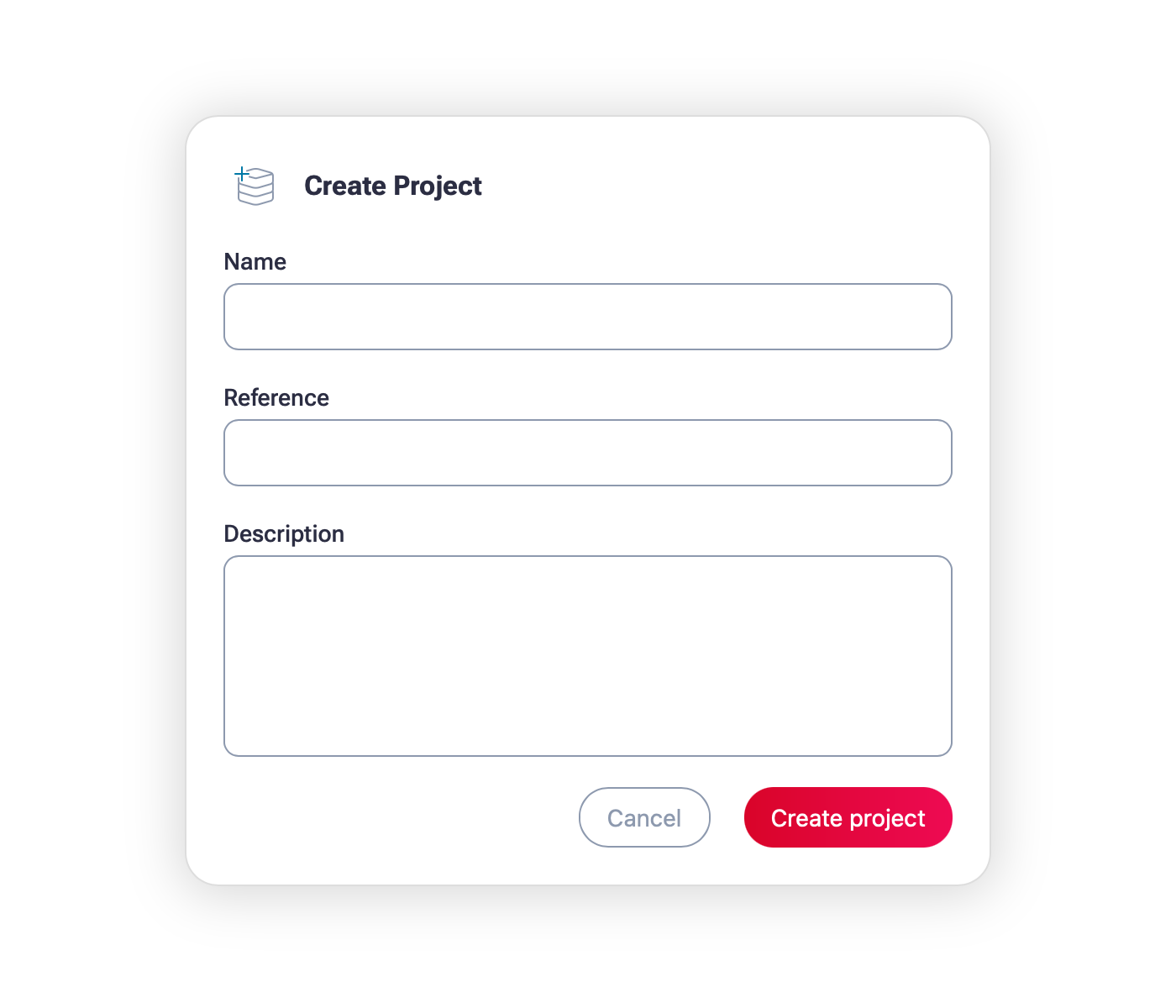
The Create Project form is made up of three fields: Name, Reference and Description. Only a project Name is required.
Name (required)
Enter a name for your project. It does not need to be unique, but being descriptive might help you identify the project in the future.
The value must be no more than 100 characters in length.
Reference (optional)
Enter an alpha-numeric reference, such as one from a business management system, or other externally related project management tool. The external reference will be included in outputs and allow you to link the information with other systems.
The value does have some requirements if entered:
- Must be at least 3 characters in length.
- Must be no more than 50 characters in length.
Description (optional)
You may enter a longer multi-line description to describe your project, which is available in the Project view.
The value can contain any characters but must not exceed 1,000 characters in length.